
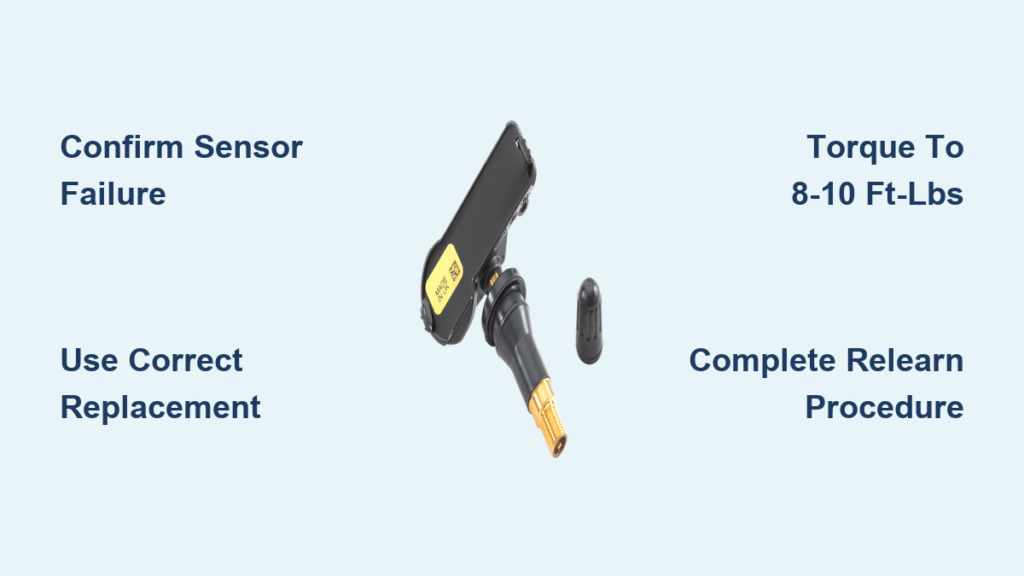
That persistent TPMS warning light on your Jeep Wrangler’s dashboard isn’t just annoying—it’s a safety concern. When your tire pressure monitoring system detects a problem, it means your vehicle can’t properly monitor critical tire pressure levels, potentially putting you at risk of a blowout during your next off-road adventure or highway drive. How to replace tire pressure sensor on Jeep Wrangler is a common DIY task that becomes necessary when sensors fail, typically after 5-10 years of service when their internal batteries die. The good news? With basic tools and this step-by-step guide, you can complete the replacement in under two hours and save $50-$150 compared to dealer service fees.
Unlike simple tire pressure issues that resolve with inflation, a failing TPMS sensor requires physical replacement since the battery is sealed inside the unit. Jeep Wranglers (2007-2024 models) use valve stem-mounted sensors that transmit pressure data wirelessly to your dashboard. When one fails, you lose critical monitoring capability for that specific tire. Don’t let the warning light distract you from enjoying your Wrangler’s legendary capability—this guide gives you everything needed to restore full TPMS functionality yourself.
Confirm Your TPMS Sensor Has Failed
Before diving into replacement, verify you actually need a new sensor rather than just proper tire inflation. Start by checking all four tires with an accurate pressure gauge when tires are cold (driven less than one mile). Most Wranglers require 35 PSI, but always check the door jamb sticker for your specific model’s recommendation. Inflate any low tires to specification and drive 5-10 miles to see if the warning light extinguishes.
When you’re dealing with a genuine sensor failure, the TPMS light behaves differently than with simple low pressure. A flashing light for 60-90 seconds after ignition followed by a solid light indicates system malfunction, not low pressure. Some Wranglers display specific error messages like “TPMS Fault” or show “–” instead of pressure readings for the affected tire. For precise diagnosis, note which wheel triggers the warning—many newer models identify the problem wheel on the instrument cluster.
The most reliable method to pinpoint a failed sensor uses an OBD-II TPMS scan tool, which plugs into your diagnostic port and reads each sensor’s ID and status. These tools ($25-$50) quickly identify non-communicating sensors. If you don’t own one, many auto parts stores will scan your system for free. This step prevents unnecessary replacement—if the sensor is transmitting but showing incorrect pressure, you might just need recalibration rather than full replacement.
Gather the Correct Replacement Sensor and Tools
Using the wrong sensor guarantees failure, so identify your specific Wrangler’s requirements before purchasing. TPMS sensors vary by model year: 2007-2018 models typically use 315 MHz frequency sensors with Schrader valve stems, while 2018+ models may differ. Check your VIN or existing sensor for exact specifications—OEM part numbers start with “SK” followed by digits specific to your model. Aftermarket options from Dorman, ACDelco, or Continental work well at $20-$50 per sensor versus $75-$150 for dealer parts.
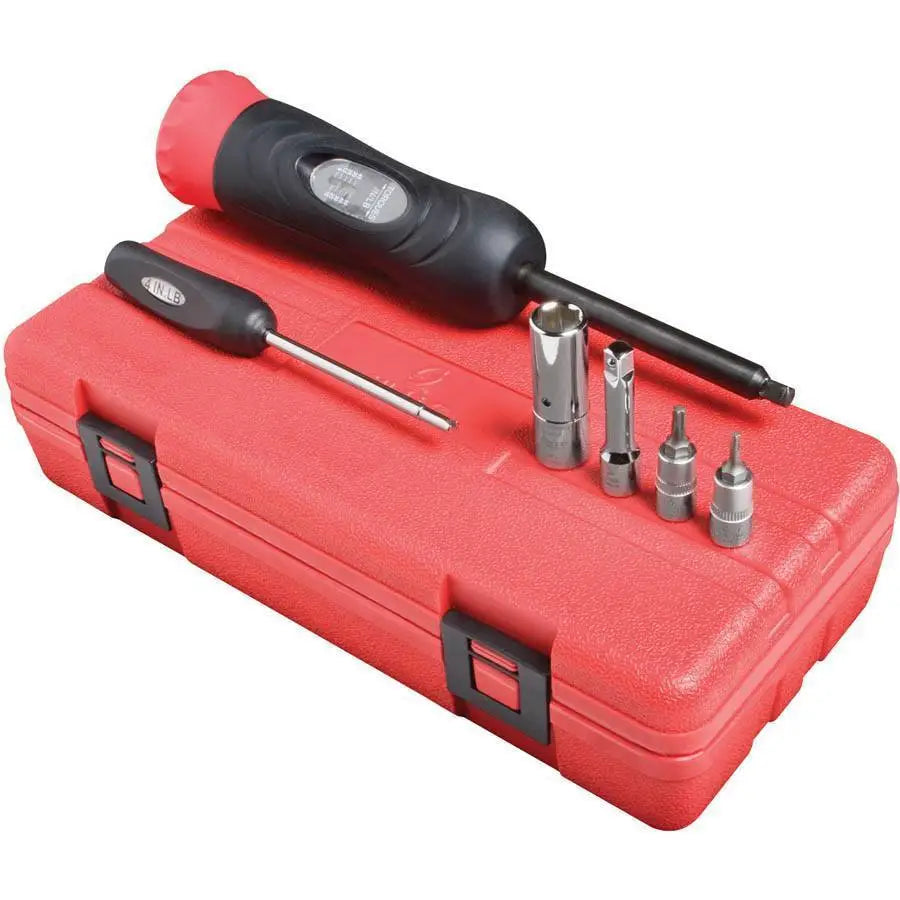
Your essential tool list includes:
– Replacement TPMS sensor with valve core
– Valve core removal tool ($5)
– Torque wrench (8-10 ft-lbs capacity)
– Snap ring pliers (if applicable)
– Lug wrench or impact gun
– TPMS relearn tool or OBD-II scanner
– Soapy water solution for leak checking
– Tire pressure gauge
– Air compressor
Don’t skip the TPMS relearn tool—it’s critical for programming the new sensor. Newer Wranglers (2018+) can often be relearned through the Uconnect menu system, but older models require a dedicated tool. Many auto parts stores loan these for free with sensor purchase. Verify your model’s relearn procedure before starting—2012-2017 JK models need a magnetic relearn tool, while 2018+ JL models use menu navigation.
Remove the Wheel and Access the Sensor Mounting Point
Begin by safely lifting your Wrangler: park on level ground, engage the parking brake, and chock the rear wheels. Loosen lug nuts one turn before raising the vehicle with a floor jack, then secure with jack stands rated for your Wrangler’s weight (minimum 3-ton capacity). Never work under a vehicle supported only by a jack.
Once lifted, remove the lug nuts completely and take the wheel off, placing it flat with the valve stem at 3 o’clock for optimal access. Deflate the tire completely by removing the valve core with your core tool—stand clear as air escapes. Break the tire bead from the rim using a tire iron, working around the circumference while applying steady pressure. This step requires significant force on stiff Wrangler tires, especially if they’ve been mounted for years.
With the tire partially separated from the rim, locate the TPMS sensor mounted inside the wheel. Most Wrangler sensors attach to the valve stem hole with either a U-shaped retaining clip or threaded nut. Carefully note the mounting configuration—take photos before disassembly to reference during reinstallation. Some models use nickel-plated brass valve stems, while others have aluminum, affecting compatibility with replacement parts.
Remove the Old Sensor and Install the New Unit
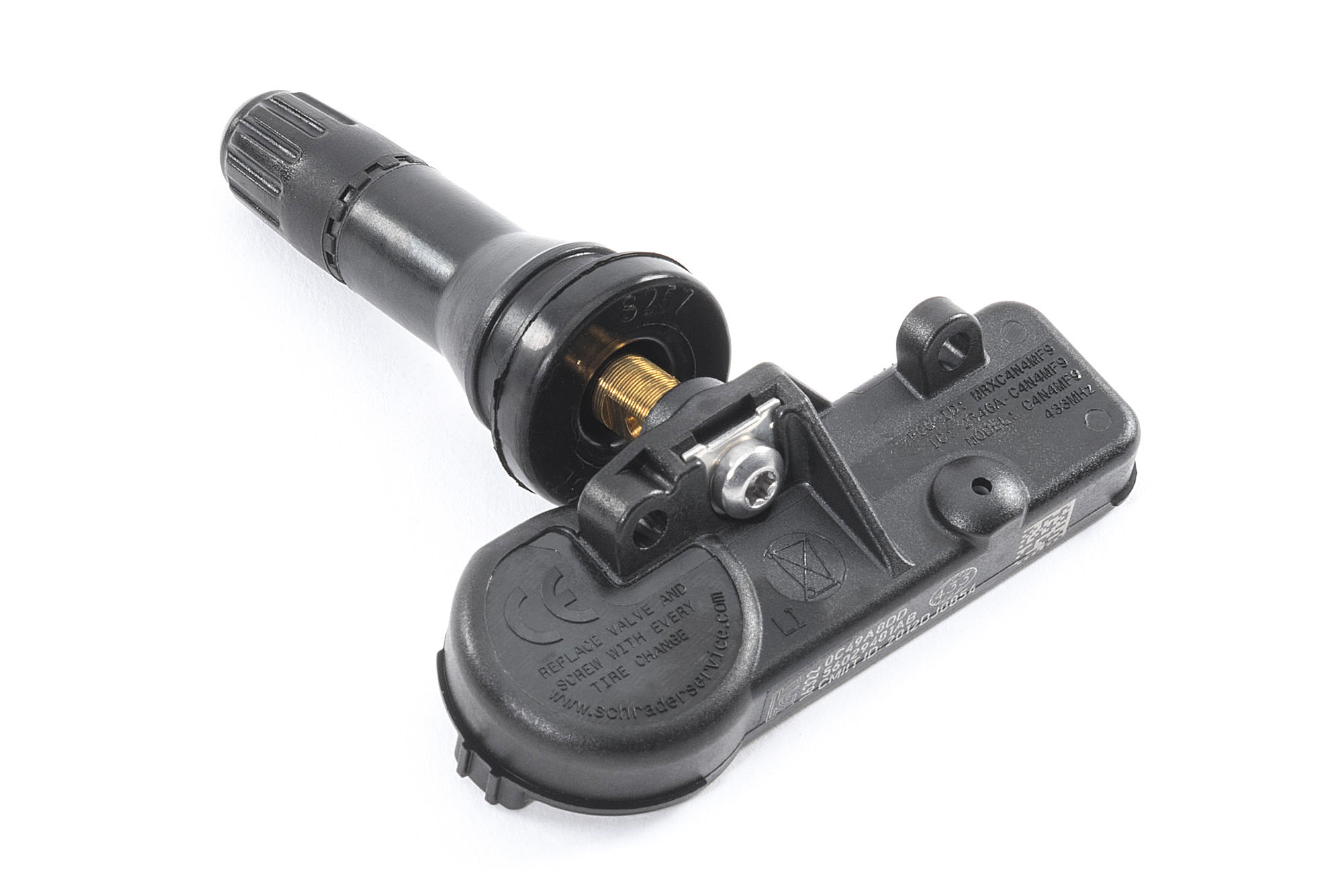
Remove the retaining clip with snap ring pliers or unscrew the mounting nut while holding the valve stem steady. Extract the old sensor and compare it to your replacement—ensure identical thread patterns, valve stem lengths, and electrical contacts. Clean the valve stem hole with a wire brush to remove corrosion or debris that could compromise the seal.
Apply thread sealant to the new sensor’s threads if not pre-applied, then hand-tighten the unit into position. Use your torque wrench to secure it to 8-10 ft-lbs—critical for preventing leaks without damaging the sensor. Install the new valve core included with your replacement sensor, tightening it snugly but not excessively (over-tightening cracks the core). The entire process should take 15-20 minutes per wheel once you’re familiar with your specific model’s configuration.
Before remounting the tire, verify the sensor’s position—most Wrangler sensors must be mounted with the electronics facing outward toward the wheel’s center for proper signal transmission. Incorrect orientation causes communication failures even with a functional sensor. Double-check your photos from disassembly to confirm correct positioning.
Remount the Tire and Verify Proper Seating
Lubricate both tire beads with dish soap solution to ease remounting, then carefully work the tire back onto the rim. Start at the valve stem position, pressing the bead into the wheel well while working your way around. Inflate slowly with an air compressor, listening for the distinct “pop” as each bead seats against the rim. Continue inflating to your Wrangler’s recommended pressure (typically 32-35 PSI).
Immediately check for leaks using your soapy water solution, applying it around the valve stem base and core. Bubbles indicate air escape requiring re-tightening or resealing. Also inspect the entire tire bead for bubbles—minor leaks often resolve as the tire settles, but persistent bubbles mean you need to deflate and reposition the tire.
After confirming no leaks, remount the wheel on your Wrangler, hand-tightening lug nuts in a star pattern. Lower the vehicle slightly so the tire bears partial weight, then torque lug nuts to 90 ft-lbs in multiple passes using the star pattern. Fully lower the vehicle and give each nut a final check before driving.
Complete the TPMS Relearn Procedure
The critical final step—programming your Wrangler to recognize the new sensor—varies by model year. For 2018+ JL models:
1. Turn ignition to ON (do not start)
2. Navigate Uconnect menu: Settings > Vehicle > Tire Pressure Monitor > Calibrate Tires
3. Select “OK” and drive 15-20 mph for 10 minutes
For 2007-2017 JK models without menu access:
1. Turn ignition to ACC position
2. Activate the relearn tool near each valve stem in sequence (LF, RF, RR, LR)
3. Wait for horn chirp confirming each sensor
4. Drive 25+ mph for 10 minutes to complete programming
If the TPMS light remains on after relearning, check these common issues: sensor not properly seated, incorrect torque on valve stem, incompatible sensor frequency, or incomplete relearn procedure. Most problems resolve with a second relearn attempt—ensure you follow your specific model’s sequence exactly.
Maintain Your TPMS System Long-Term
After successful replacement, establish a maintenance routine to maximize sensor lifespan. Check tire pressures monthly (when cold) to catch slow leaks before they trigger warnings. When rotating tires, reset the TPMS system to update wheel positions in the computer—most Wranglers require repeating the relearn procedure after rotation.
TPMS sensors typically last 7-10 years before battery depletion. If replacing one sensor, consider doing all four simultaneously—labor is 80% of the cost, and others are likely nearing end-of-life. Keep replacement records noting installation dates to anticipate future failures. When purchasing new wheels, verify TPMS compatibility—some aftermarket wheels require sensor adapters or different mounting configurations.
That persistent TPMS warning light doesn’t have to send you to the dealer. By following these precise steps for how to replace tire pressure sensor on Jeep Wrangler, you’ve restored a critical safety system while saving money and gaining valuable mechanical knowledge. Properly functioning TPMS gives you confidence whether you’re navigating city streets or remote trails, knowing your tires maintain optimal pressure for safety and performance. With your sensors operating correctly, you can focus on what really matters—enjoying the adventure only a Jeep Wrangler can deliver.


