
Your Tesla’s tire pressure warning light suddenly appears on the touchscreen, disrupting your drive and triggering immediate concern. Unlike conventional vehicles where you might ignore such warnings temporarily, Tesla’s sophisticated Tire Pressure Monitoring System (TPMS) demands attention to maintain optimal range, safety, and performance. The good news is that 90% of tire pressure issues with Tesla vehicles can be resolved with basic tools and knowledge—saving you unnecessary service visits and keeping your electric vehicle operating efficiently. This guide delivers precise, actionable steps to diagnose and fix tire pressure problems across all Tesla models, whether you’re dealing with a simple underinflation situation or persistent system malfunctions.
Locate Your Tesla’s Exact Tire Pressure Specifications
Before attempting any pressure adjustments, you must identify your vehicle’s specific pressure requirements, as Tesla models vary significantly based on configuration. Your Model 3 Standard Range requires different pressure than a Performance variant, just as a Model X with 22-inch wheels needs different inflation than one with 20-inch wheels. The recommended pressure isn’t merely a suggestion—it’s engineered to balance range efficiency, handling precision, and tire longevity for your exact vehicle setup.
Find your precise specifications by examining the driver’s side door jamb sticker, which displays pressure values for both front and rear tires in PSI. For most Model 3 and Model Y vehicles, front tires typically require 36-39 PSI while rear tires need 42-45 PSI when cold, though your specific configuration may differ. Model S and Model X vehicles generally follow similar patterns but with slightly higher pressure ranges due to their greater weight. Never rely on generic online recommendations—your door jamb sticker provides specifications tailored to your vehicle’s exact weight distribution, tire size, and performance characteristics.
Accessing this information digitally is equally important when you’re away from your vehicle. Navigate to Controls > Service > Tire Pressure Information on your Tesla touchscreen to view your recommended pressures. This digital reference proves invaluable when using public air pumps or during road trips when you can’t check the door jamb sticker. Always verify pressures when tires are cold—meaning the vehicle hasn’t been driven for at least three hours or has traveled less than one mile. Driving heats the air inside tires, artificially increasing pressure by 3-8 PSI and leading to inaccurate readings if you check while warm.
Properly Inflate Tesla Tires to Correct Pressure
Inflating your Tesla tires to the exact recommended PSI requires precision techniques that many owners overlook, leading to recurring warning lights and suboptimal performance. Begin by locating a reliable air source—public gas station pumps often provide inconsistent readings due to calibration issues, making a portable digital air compressor ($30-$80) a worthwhile investment for Tesla owners. These compact units fit easily in your frunk and deliver accurate pressure measurements critical for maintaining your vehicle’s efficiency.
When checking pressure, remove the valve cap and press your gauge firmly onto the valve stem until you hear a brief hiss, indicating a proper seal. Many owners fail to establish this seal correctly, resulting in false low readings that lead to dangerous overinflation. Compare your gauge reading to your door jamb specifications—if the difference exceeds 2 PSI, inflation adjustment is necessary. Add air in five-second bursts, checking pressure after each addition, as Tesla tires reach target pressure surprisingly quickly due to their relatively small air volume compared to conventional vehicles.
Overinflation creates nearly as many problems as underinflation, reducing traction, accelerating center tread wear, and compromising ride comfort. If you exceed the recommended PSI, release air by pressing the center pin of the valve stem with a small tool or the back of your valve cap. Continue this careful add-release cycle until each tire matches the recommended PSI within 1 PSI tolerance. Replace all valve caps securely after inflation—these small components provide a secondary seal that prevents slow leaks and protects valve cores from road debris and moisture.
Drive your Tesla for 10-15 minutes at speeds above 25 mph after inflation to allow the TPMS sensors to register the new pressures. The warning light should extinguish automatically once the system confirms all tires meet specifications. If the light persists despite correct pressure, your vehicle likely requires a TPMS reset or has an underlying sensor issue needing further diagnosis.
Reset Tesla’s TPMS After Tire Service

Tire rotation or replacement triggers persistent TPMS warnings that won’t clear automatically, frustrating many Tesla owners who’ve correctly inflated their tires. When tires move between positions during rotation, the vehicle’s system continues associating sensor data with original locations, causing confusing pressure readings and unnecessary warnings. Performing a proper TPMS reset after any tire service resolves this mismatch and restores accurate monitoring.
Initiate the reset by accessing Controls > Service > Tire Pressure Monitor > Reset TPMS on your touchscreen. Some software versions require the vehicle to be in Park with doors closed before the reset option appears. After confirming the reset, drive at least 15 minutes at varying speeds to allow sensors to transmit position data to the vehicle’s computer. During this drive, the system relearns each sensor’s location and establishes new baseline pressure readings for accurate future monitoring.
After replacing tires or sensors, the reset process becomes critical for system functionality. New sensors contain unique identification codes that must pair with your vehicle’s TPMS receiver. If your warning light remains illuminated after replacement, the sensors likely haven’t paired correctly—a common issue when shops skip this step. Return to your service provider for proper sensor programming, as mismatched sensors prevent accurate pressure monitoring and trigger persistent warnings.
“Tire Pressure System Malfunction” warnings often clear temporarily with a reset if caused by software glitches rather than hardware failure. However, if the warning reappears within days, suspect a failing sensor or electrical issue requiring professional diagnosis. Document how frequently the warning appears and any patterns (such as occurring only at certain temperatures) to help technicians identify the root cause efficiently.
Diagnose Non-Clearing Warning Lights Systematically

When your tire pressure warning light persists despite correct inflation, a methodical diagnostic approach separates simple fixes from serious issues requiring professional attention. Begin with a thorough visual inspection of all four tires, examining the tread for nails, screws, or punctures that might cause slow leaks. Check sidewalls for bulges, cuts, or abrasions indicating internal damage, and inspect valve stems for cracks or corrosion that compromise the seal.
Verify each tire’s pressure using your own accurate gauge, comparing readings to both the TPMS display and your recommended specifications. Significant discrepancies between your gauge and the vehicle display—such as 5+ PSI difference—often indicate a failed sensor rather than an actual pressure problem. When all tires show correct pressure on your gauge but the warning persists, a sensor failure is likely. Temperature fluctuations can also trigger false warnings—a 20°F temperature drop decreases pressure by 2-4 PSI, enough to activate the warning without actual air loss.
Check for slow leaks by spraying a water-dish soap solution around each tire’s perimeter and valve stem, watching for bubbles that indicate escaping air. Pay special attention to the tire-wheel interface, where corrosion can develop between the aluminum wheel and steel tire bead, creating subtle leaks difficult to detect visually. If you identify a slow leak but can’t locate the source, have the tire professionally inspected—many punctures hide inside the tire and require removal for proper diagnosis.
Prevent Future Tire Pressure Issues Proactively
Establishing consistent tire maintenance habits prevents most pressure-related warnings and extends tire lifespan significantly. Check pressures monthly using your own gauge, as public pumps often deliver inaccurate readings that lead to improper inflation. Make this check part of your charging routine—perhaps each time you plug in for an overnight charge—ensuring you catch gradual pressure loss before it triggers warnings or causes uneven wear.
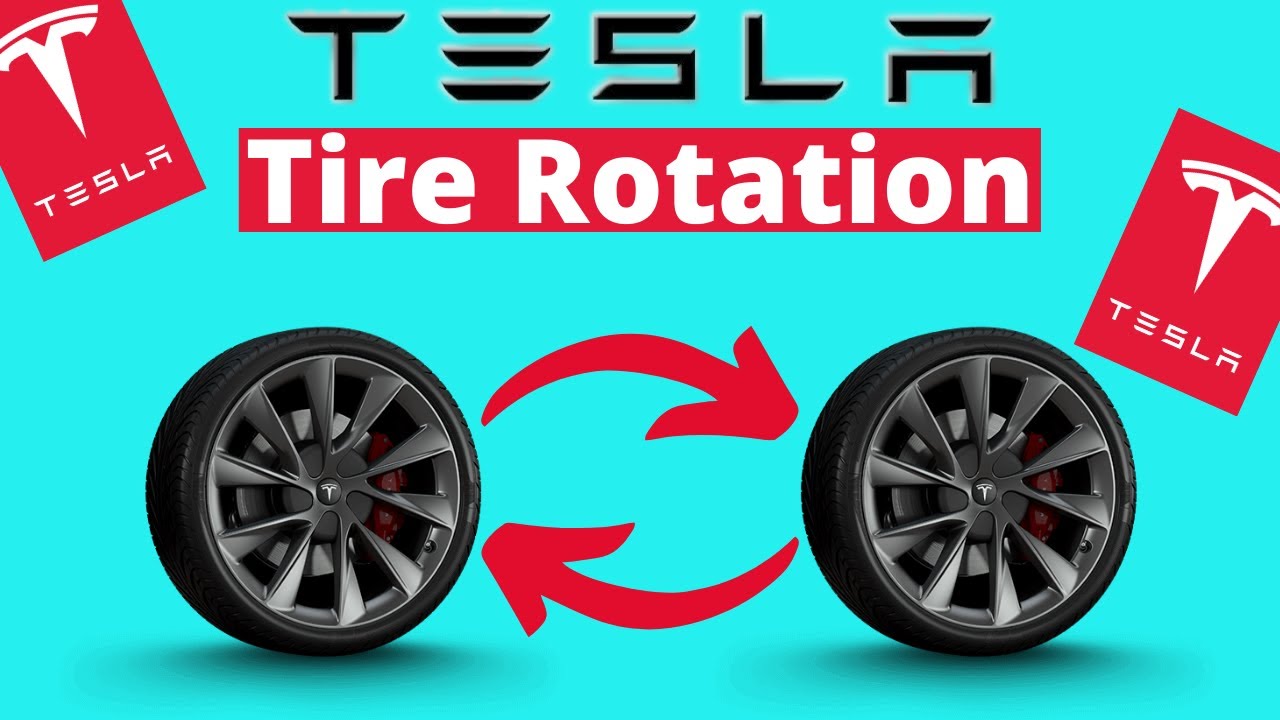
Rotate tires every 6,000-8,000 miles to address Tesla’s unique weight distribution challenges. Front tires typically wear faster due to steering forces and regenerative braking effects, while rear tires experience different wear patterns from the battery pack’s weight. Regular rotation evens out these patterns, extending total tire life by thousands of miles and maintaining consistent handling characteristics throughout the tire’s service life.
Monitor tread depth using the built-in wear indicators—small rubber bars positioned across the tread grooves. When these become flush with the surrounding tread, replace tires immediately to maintain safety and performance. Tesla’s instant torque and heavy battery pack accelerate wear on performance tires, making proactive replacement planning essential for maintaining optimal grip and range efficiency. Proper wheel alignment every 12,000-15,000 miles prevents uneven wear patterns that trigger premature tire replacement and affect vehicle handling.
When warning lights appear, address them promptly rather than ignoring them until your next service appointment. Even slightly underinflated tires reduce range efficiency significantly—just 5 PSI below specification can decrease range by 2-3%—while severely underinflated tires create dangerous handling conditions and risk sudden failure. By following these systematic procedures, you’ll maintain optimal tire pressure, maximize your Tesla’s performance, and eliminate unnecessary warning lights through proper maintenance rather than repeated resets.


