When that yellow TPMS light illuminates on your Honda Civic’s dashboard, it’s not just another warning you can ignore. This critical safety feature monitors your tire pressure 24/7, alerting you before dangerously low inflation compromises your vehicle’s handling, fuel efficiency, and braking performance. Understanding how to properly diagnose and resolve Honda Civic tire pressure monitor issues can prevent costly tire damage, dangerous blowouts, and unnecessary trips to the dealership. In this guide, you’ll learn exactly how to reset the system after inflation, identify failing sensors, and maintain optimal tire pressure year-round.
Many drivers mistakenly believe the TPMS light only indicates low pressure, but it actually serves as your first line of defense against multiple tire-related problems. Whether you drive a 2012 or 2022 Civic, this comprehensive troubleshooting guide covers model-specific reset procedures, sensor replacement techniques, and seasonal maintenance strategies that keep your tire pressure monitoring system functioning reliably for years.
Why Your Honda Civic TPMS Light Stays Solid or Flashes
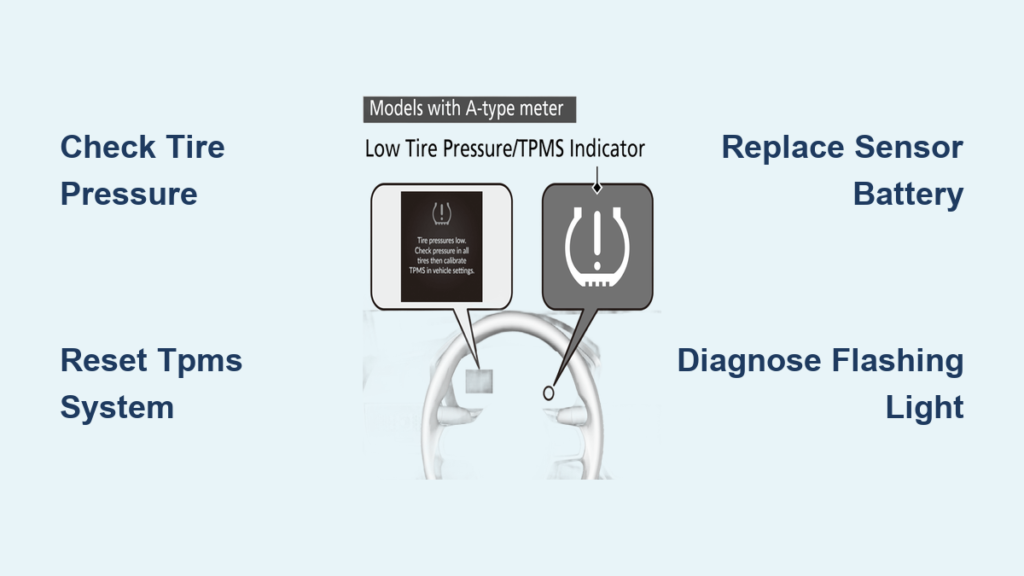
The behavior of your Honda Civic tire pressure monitor warning light tells you exactly what’s wrong before you even check your tires. When the TPMS indicator (a tire cross-section with an exclamation point) remains steadily illuminated while driving, your tires are approximately 25% below the manufacturer’s recommended pressure—putting you at immediate risk of reduced traction and increased stopping distances.
A flashing TPMS light that blinks for 60-90 seconds before staying solid signals a system malfunction rather than simple underinflation. This specific pattern indicates your Civic can’t communicate with one or more tire pressure sensors, often due to dead sensor batteries, electromagnetic interference, or damaged sensor components. Unlike low-pressure warnings that resolve after inflation, this flashing pattern requires diagnostic steps to identify which sensor has failed and why.
Check Tire Pressure Using Correct Specifications
Before assuming your Honda Civic tire pressure monitor has failed, verify your actual tire pressures against factory specifications. The numbers printed on your tire sidewall represent maximum pressure capacity, NOT your Civic’s optimal inflation levels.
Locate the precise pressure requirements on the sticker inside your driver’s side door jamb—typically 32-35 PSI for front tires and 32-33 PSI for rear tires depending on model year. Always check pressures when tires are cold (before driving or at least three hours after stopping), as heat from driving increases pressure readings by 3-6 PSI.
Use a digital tire pressure gauge for accuracy and measure all four tires:
– Remove valve stem caps
– Press gauge firmly onto valve stem
– Record each reading
– Compare to door jamb specifications
If any tire falls below recommended pressure, inflate to the exact specification using an air compressor. After inflation, drive your Civic for 10-15 minutes at speeds above 15 mph to allow the system to register the corrected pressures. If the light remains on, proceed to the model-specific reset procedure.
Reset Honda Civic TPMS After Proper Inflation

Your reset method depends on whether you drive a newer or older Honda Civic model. For 2016-2022 Civics, navigate through your driver information interface:
1. Press the MENU button on your steering wheel
2. Scroll to “TPMS Calibration” using the SEL/RESET button
3. Select “Set” and confirm
4. Drive 10+ minutes above 15 mph for system recalibration
Older 2006-2015 models require a different approach:
– Turn ignition to ON position (do not start engine)
– Locate the TPMS reset button beneath the steering wheel
– Press and hold until TPMS light blinks twice (approximately 10 seconds)
– Release button and start engine
– Drive 10+ minutes above 15 mph
Critical tip: If the light flashes after reset attempts, your Civic has detected a sensor malfunction—not just low pressure—and requires further diagnosis.
Identify Failed TPMS Sensors by Battery Status
Honda Civic tire pressure monitor sensors contain non-replaceable batteries that typically fail after 5-10 years. When a sensor battery dies, you’ll see dashes (“—“) instead of pressure readings for the affected tire, or the TPMS light will flash persistently.
To pinpoint the failed sensor:
1. Purchase an affordable TPMS diagnostic tool ($20-$30)
2. Turn ignition to ON position
3. Hold tool near each valve stem and trigger activation
4. Note which sensor shows “low battery” or no response
Alternatively, use a TPMS activation tool to send a signal to each sensor while listening for the characteristic clicking sound of a functioning unit. No sound from a specific wheel indicates a dead sensor requiring replacement. This diagnostic step saves you from replacing all four sensors unnecessarily.
Replace Faulty Honda Civic TPMS Sensors Correctly
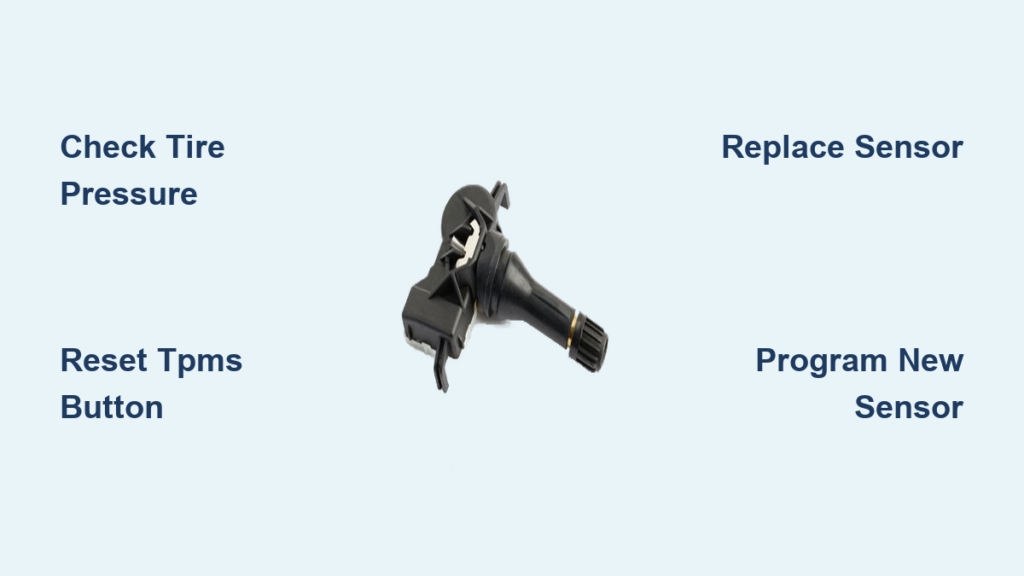
Replacing a failed sensor requires precision to avoid damaging the new unit or creating air leaks. Follow these steps for proper installation:
Gather Essential Tools
- Correct replacement sensor (Honda part # varies by model year)
- New valve stem nut and cap
- Torque wrench (set to 35-45 inch-pounds)
- Jack and jack stands
Sensor Replacement Process
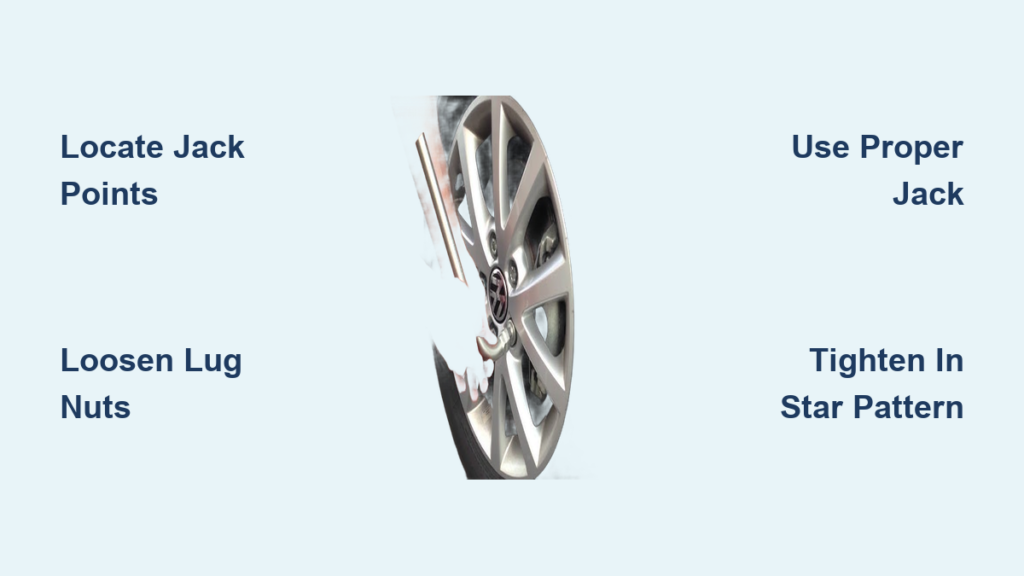
- Loosen lug nuts slightly before raising vehicle
- Lift car and secure on jack stands
- Remove wheel to access sensor on back of valve stem
- Unscrew old mounting nut (don’t lose rubber gasket)
- Install new sensor with fresh gasket in identical position
- Torque mounting nut to specification—critical step!
- Reinstall wheel and lower vehicle
Warning: Overtightening cracks the sensor housing, while undertightening causes air leaks. Always use a torque wrench for this step. After replacement, complete the model-specific TPMS reset procedure to register the new sensor.
Fix Persistent TPMS Light Flashing Issues
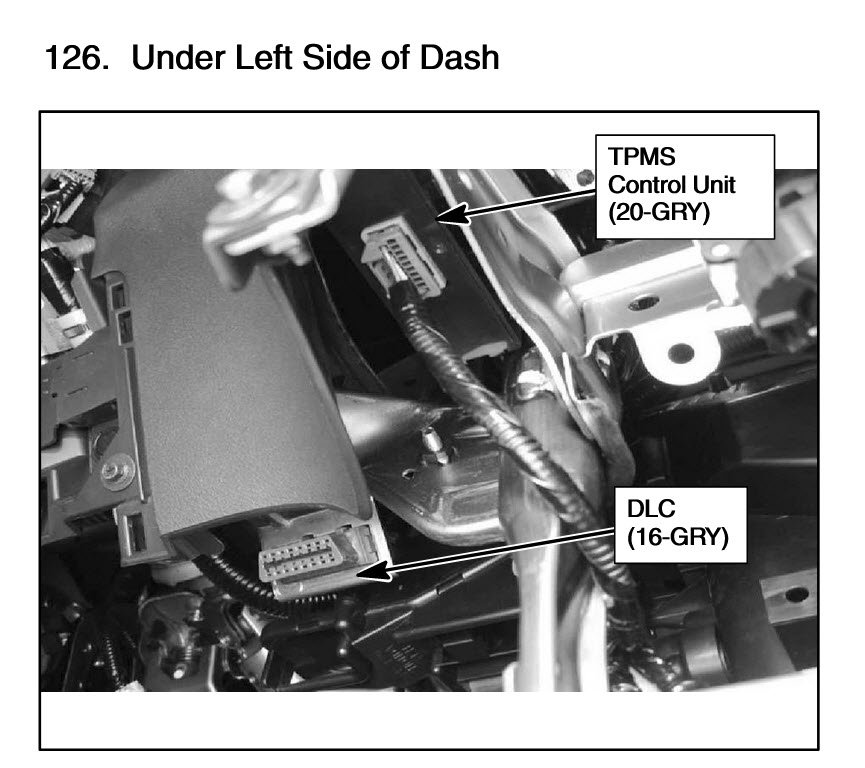
When your Honda Civic tire pressure monitor light flashes continuously, you’re dealing with system communication failure rather than simple underinflation. Common causes include:
- Sensor battery depletion: Most frequent cause on vehicles over 7 years old
- Aftermarket wheel interference: Wheels without proper sensor mounting pockets
- Corroded valve stems: Creates poor electrical connection with sensor
- Damaged receiver module: Located near the dashboard or under seats
If basic resets fail and diagnostics confirm all sensors are functional, the TPMS receiver module may need replacement. This component processes signals from all four sensors and triggers the dashboard warning. A qualified technician with Honda diagnostic equipment can test this module and associated wiring harnesses.
Prevent Honda Civic TPMS System Failures
Proactive maintenance prevents most common TPMS problems and extends sensor life significantly:
Annual valve stem inspection: Check for cracks, corrosion, or rubber deterioration that causes slow air leaks. Replace valve stems every 3-5 years or when changing tires.
Metal vs. rubber valve stems: Upgrade to metal valve stems during tire service—they resist cracking and provide better sensor stability than rubber alternatives.
Aftermarket wheel compatibility: When purchasing new wheels, verify they include TPMS sensor mounting provisions. Some require special valve stem extensions or adapter kits.
Avoid tire sealants: Most sealants contain chemicals that coat and damage internal sensor components. If you use sealant after a puncture, have sensors inspected during your next tire service.
Maintain Optimal Tire Pressure Year-Round
Seasonal temperature changes significantly impact tire pressure, triggering unnecessary TPMS warnings if not addressed:
- Winter pressure drops: For every 10°F temperature decrease, pressure drops 1 PSI
- Summer pressure increases: Heat causes air expansion, potentially overinflating tires
- Monthly pressure checks: Use a quality digital gauge to monitor gradual changes
When temperatures drop below 40°F, check pressures weekly as cold weather accelerates pressure loss. Conversely, during summer heat waves, verify pressures aren’t exceeding maximum specifications. Keep a tire pressure log in your glove compartment to track abnormal pressure loss that might indicate slow leaks.
Your Honda Civic tire pressure monitor system serves as a vital safety component that directly impacts handling, fuel economy, and tire longevity. By understanding the difference between solid and flashing warning lights, performing model-specific resets correctly, and replacing failed sensors with precision, you’ll maintain reliable TPMS operation for years. Establish a monthly tire pressure check routine using factory specifications—not tire sidewall ratings—and address sensor issues promptly before they escalate into dangerous driving conditions. Proper TPMS maintenance costs little time but delivers significant returns in safety, tire life, and fuel savings. Keep this guide handy for your next pressure check or warning light incident, and drive with confidence knowing your tire monitoring system works exactly as designed.