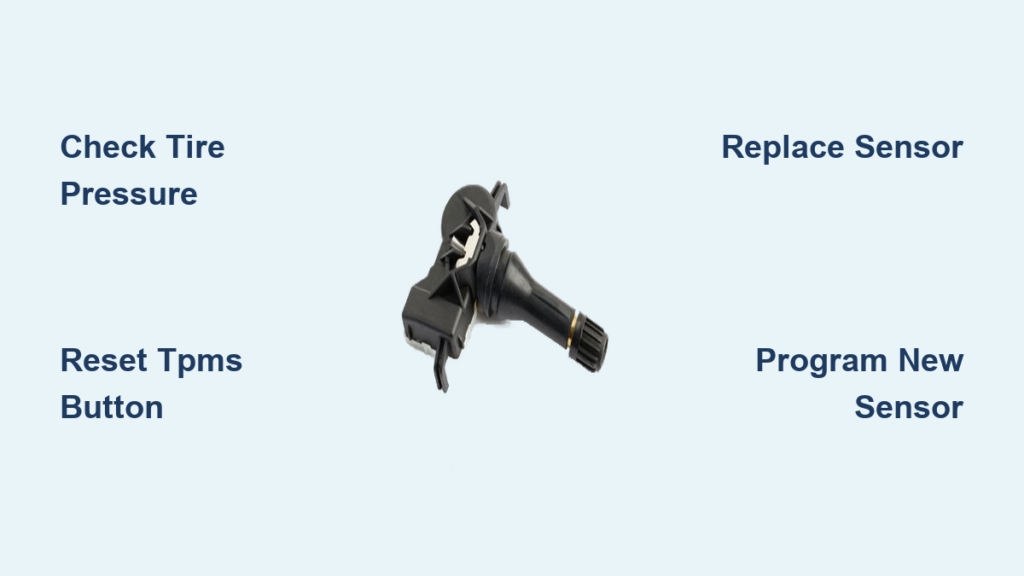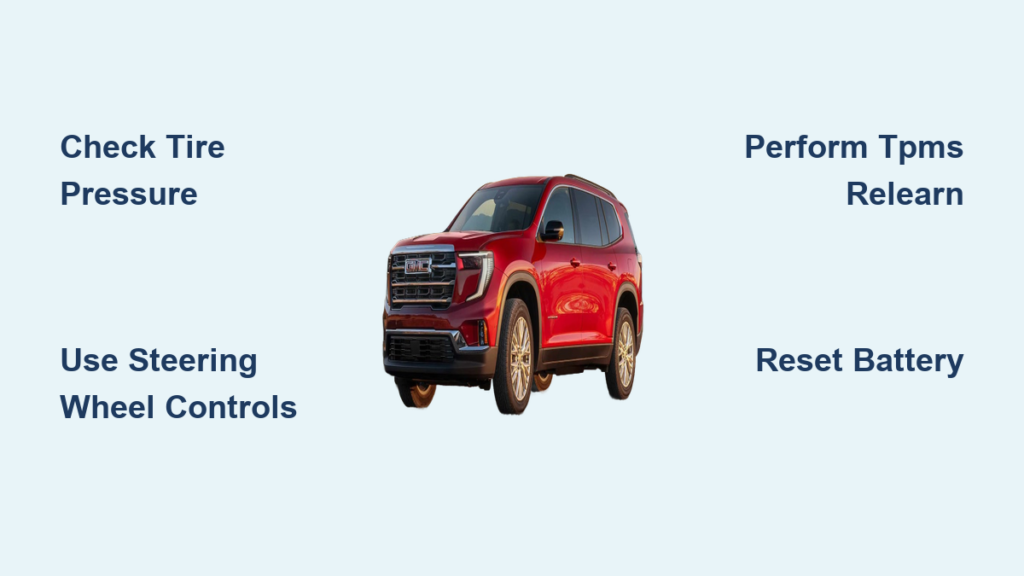
That persistent tire pressure warning light on your GMC Acadia dashboard isn’t just an annoyance—it’s your vehicle’s urgent signal that one or more tires have dropped at least 25% below the recommended inflation level. This flat tire symbol with an exclamation point indicates your Tire Pressure Monitoring System (TPMS) has detected a potentially dangerous situation that could compromise handling, increase stopping distances, and even lead to a blowout. Knowing how to reset tire pressure light GMC Acadia models requires is essential knowledge that could save you from unnecessary service visits and keep you safely on the road.
The good news is resetting this warning light is usually straightforward once you understand your specific Acadia model’s system. However, the reset procedure varies significantly between pre-2017 and 2017+ models due to interior interface changes. Before attempting any reset, always verify all tires are properly inflated to the specifications listed on your driver’s side door jamb sticker—typically 33-36 PSI depending on your model year and trim. Never ignore this warning, as driving on significantly underinflated tires dramatically increases your risk of losing vehicle control, especially during emergency maneuvers.
Reset Tire Pressure Light Using Steering Wheel Controls
The most efficient method for how to reset tire pressure light GMC Acadia owners use involves the steering wheel controls, but the exact steps differ by model year. For pre-2017 Acadia models, turn your ignition to the “ON” position without starting the engine, then locate the trip/oil reset button to the right of your speedometer. Press and hold this button until “TIRE PRESSURE” appears on your digital display, continuing to hold for 2-3 seconds after this message shows. You’ll know it’s working when the TPMS light blinks twice—release the button, turn off the ignition, then restart your vehicle to confirm the light has turned off.
For 2017 and newer Acadia models, the process uses the thumbwheel control on your steering wheel instead. With the ignition in the “ON” position, use the thumbwheel to navigate to “Vehicle Information,” then select “Tire Pressure” from the submenu. Press and hold the thumbwheel button for 2-3 seconds to access the reset function, then select “Calibrate” or “Reset” when prompted. Confirm your selection and exit the menu—the TPMS light should extinguish within minutes of driving. If you accidentally select the wrong menu option, simply navigate back without confirming to avoid triggering unnecessary system functions.
Complete TPMS Relearn After Tire Rotation
When you’ve rotated or replaced tires, your Acadia’s TPMS system must relearn each sensor’s position to accurately identify which specific tire has low pressure. Skip this TPMS relearn procedure, and your dashboard might show a warning without indicating which tire needs attention. Start by ensuring all tires—including the spare if equipped with a sensor—are inflated to the recommended pressure on your door jamb sticker. Then turn your ignition to “ON” without starting the engine and activate your hazard lights (four-way flashers) to initiate relearn mode.
Locate your Acadia’s TPMS reset button, typically found under the steering wheel, in the glove compartment, or behind a panel on the driver’s footwell. Press and hold this button until the TPMS warning light blinks rapidly three times, then release. Starting with your front left tire, hold a TPMS activation tool or magnet against the valve stem area—many tire shops use a handheld TPMS tool for this step. Wait for your horn to chirp once confirming recognition, then repeat the process for front right, rear right, and rear left tires in sequence. The horn will sound twice when complete, signaling successful relearn.
Automatic Reset Procedure Without Buttons
If your tire pressure light illuminated due to normal temperature-related pressure fluctuations or after adding air to underinflated tires, you may not need any manual reset at all. This automatic method works when your Acadia simply needs to recognize that all tires now have proper inflation. First, check each tire’s pressure with a reliable gauge when tires are cold (parked for at least 3 hours), inflating to the exact PSI specified on your door jamb sticker—never the maximum pressure listed on the tire sidewall.
After proper inflation, start your Acadia and drive at speeds above 15 mph for 10-20 minutes. During this drive, your vehicle’s computer verifies all tire pressures are within specification through continuous sensor communication. The TPMS light should turn off automatically once verification completes. If it remains illuminated after this drive cycle, double-check your tire pressures—many drivers miss that the spare tire also has a sensor on some Acadia models, causing persistent warnings when it’s underinflated.
Infotainment System Reset for Newer Models
For 2018 and newer GMC Acadia models with the touchscreen infotainment system, you can reset the tire pressure light through the central display menu when steering wheel controls fail or you prefer the visual interface. Start your vehicle and shift into “Park,” then press the “MENU” button on your center console. Navigate to “Vehicle Settings” using either the touchscreen or control knob, then select “Tire Pressure Monitor” from the submenu options.
When you find the “Calibrate” option, select it and confirm the action when prompted. Your system will display “Calibrating” or similar text while the process runs. This method typically takes effect within 5-10 minutes of driving, with the TPMS light extinguishing once verification completes. If you don’t see the tire pressure option in your vehicle settings, your specific Acadia trim level may require the steering wheel control method instead—check your owner’s manual for model-specific guidance.
When Battery Disconnect Becomes Necessary

If all other methods fail to reset your tire pressure light, a battery disconnect can force a complete system reset as a last resort. Important warning: This will erase your radio presets, clock settings, and possibly other personalized vehicle configurations, so prepare to reset these afterward. Turn off your Acadia completely, open the hood, and locate the battery in the engine compartment. Disconnect the negative (black) cable from the battery terminal, then wait 15-30 minutes to ensure complete system discharge—this waiting period is critical for a full reset.
After the waiting period, reconnect the negative battery cable securely, close the hood, and start your vehicle. Check if the TPMS light has turned off. If it has, drive for 10-15 minutes to allow systems to reinitialize properly. If the light remains illuminated after battery reset, your Acadia likely has a hardware issue requiring professional diagnosis rather than a simple software glitch.
Diagnose Persistent TPMS Warning Lights
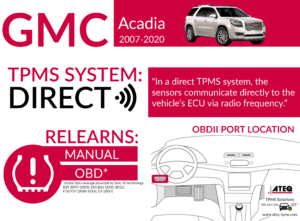
When your tire pressure light refuses to reset despite proper inflation and multiple reset attempts, specific diagnostic steps can identify the underlying cause. First, verify all tires are inflated to the exact recommended PSI using a calibrated gauge—don’t trust gas station air pumps alone as they’re often inaccurate. If pressures are correct but the light persists, check for a flashing TPMS light, which indicates system malfunction rather than low pressure.
Sensor Battery Failure Signs
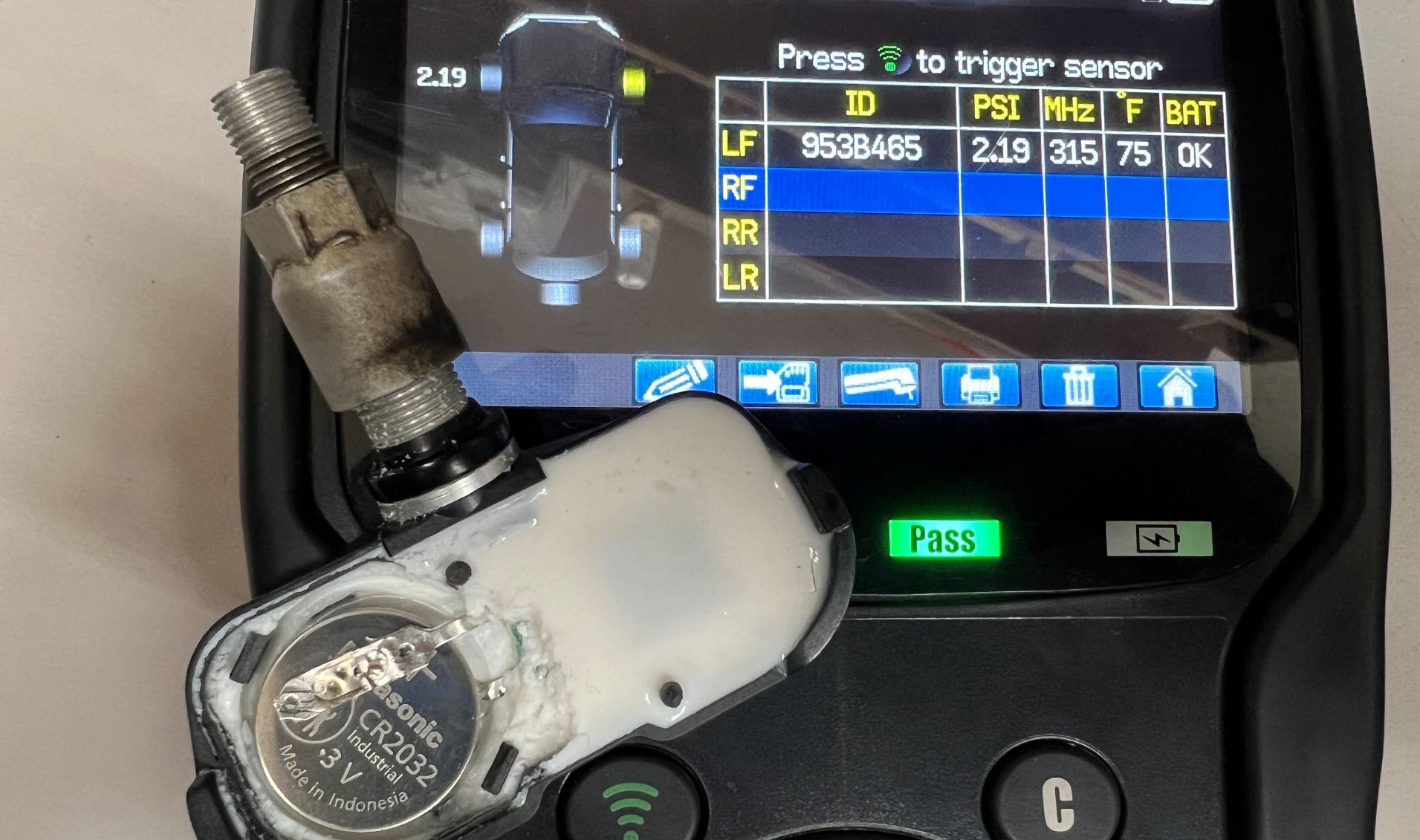
TPMS sensor batteries typically last 5-10 years before failing completely. If your Acadia is older than seven years and the TPMS light won’t reset despite proper tire pressures, dead sensor batteries are the likely culprit. Replacement sensors cost $50-$150 each plus programming fees. A professional diagnostic scan can identify which specific sensor has failed, allowing targeted replacement rather than replacing all four unnecessarily.
Professional Service Triggers to Watch For
Certain warning signs indicate it’s time to visit a GMC dealership or certified mechanic rather than continuing DIY reset attempts. Seek professional help immediately if your TPMS light flashes continuously (three seconds on, three seconds off), as this pattern signals system malfunction rather than simple underinflation. Also consult a professional if your vehicle displays “SERVICE TPMS” or similar warning messages, or if multiple reset attempts have failed despite verified proper tire pressures.
Dealerships and specialized tire shops can perform comprehensive TPMS diagnostics, replace failed sensors, and program new sensors to your Acadia’s specific VIN. Professional sensor replacement typically costs $75-$150 per sensor including programming. While this represents an investment, it’s significantly less expensive than potential blowout-related damage from ignoring persistent warnings.
Prevent Future TPMS Alerts With Proper Maintenance
Avoid recurring TPMS warnings by implementing these essential maintenance practices. Check all tire pressures monthly using a calibrated digital gauge, including your spare if equipped with a sensor—don’t rely on visual inspection alone as a tire can be 50% underinflated before appearing flat. After every tire rotation, perform the TPMS relearn procedure to ensure accurate sensor positioning. During seasonal transitions, check pressures weekly as temperature changes cause approximately 1 PSI pressure loss per 10°F temperature drop.
Always inflate tires to the vehicle manufacturer’s recommended PSI (found on the door jamb sticker), not the maximum pressure listed on the tire sidewall. Replace TPMS sensors showing visible damage or corrosion during routine tire service, and consider replacing all sensors when they reach 8-10 years of age to prevent unexpected failures. By maintaining proper tire inflation and addressing TPMS warnings promptly, you’ll maximize your Acadia’s safety, fuel efficiency, and tire lifespan while avoiding unnecessary service visits.