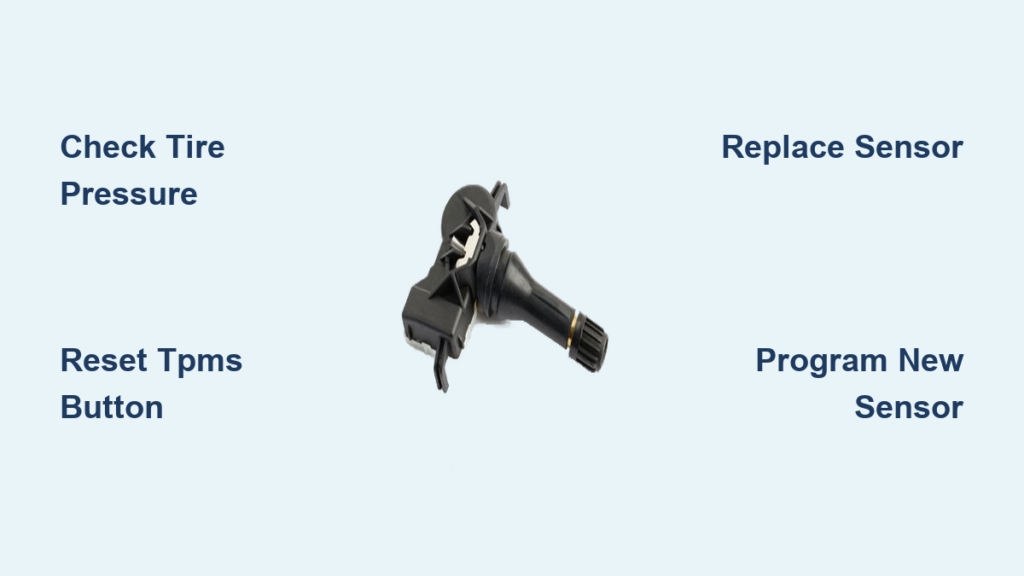
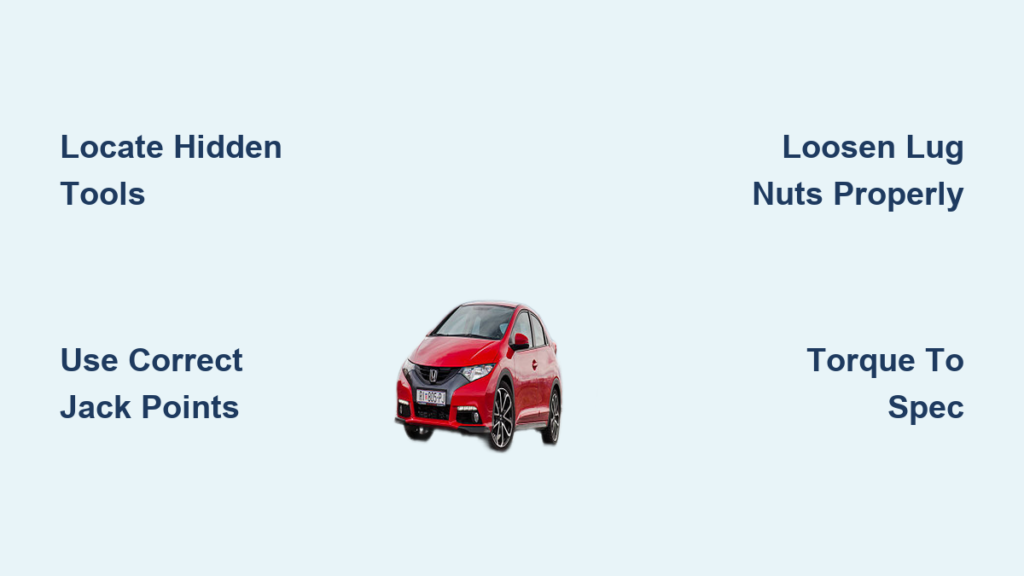
Your Honda Civic’s TPMS warning light suddenly illuminates after filling your tires to the correct pressure. You double-check the gauges – all tires are properly inflated – yet that stubborn orange symbol won’t disappear. This frustrating scenario happens to thousands of Civic owners monthly when the tire pressure monitoring system fails to reset automatically after refilling. Resetting your Honda Civic’s TPMS isn’t complicated, but the exact method depends entirely on your model year. Whether you drive a 2008 sedan or a 2022 hatchback, this guide delivers the precise reset procedures confirmed across Honda’s official service documentation. You’ll learn how to silence that warning light in under 60 seconds using either the physical reset button or infotainment menu – plus critical troubleshooting when standard methods fail.
Locate Your Honda Civic’s TPMS Reset Button (2006-2015 Models)

For Civics manufactured between 2006 and 2015, Honda installed a dedicated TPMS reset button below the steering column. This small, unmarked black button sits near the hood release lever, often requiring you to kneel to see it clearly. Before attempting the reset, ensure all four tires are inflated to the pressure specified on the driver’s door jamb sticker – typically 32-35 PSI for most trims. Cold tires yield the most accurate readings, so perform this reset before driving.
How to Execute the Physical Button Reset
- Turn ignition to “ON” position without starting the engine (dashboard lights should illuminate)
- Press and hold the TPMS button for 3-10 seconds until the TPMS light blinks three times
- Release the button and wait 20 seconds for the system to reinitialize
- Start the engine – the warning light should now be extinguished
⚠️ Critical Timing Note: Holding the button for less than 3 seconds won’t trigger the reset sequence, while exceeding 10 seconds may force the system into diagnostic mode. If the light flashes rapidly after release, repeat the process with precise 5-second holds.
Why Your 2006-2015 Civic Won’t Reset Via Button
Three common issues prevent successful resets in older models:
– Corroded button contacts from road salt exposure (clean with electrical contact spray)
– Weak battery voltage below 12.4V (charge battery before attempting reset)
– Faulty wheel sensors (if light reappears within 1 mile of driving)
If the TPMS light blinks continuously after holding the button, your system has detected a malfunctioning sensor requiring dealer-level diagnosis.
Reset TPMS Through Dashboard Menu (2016-2024 Models)
Newer Civics eliminated the physical reset button, moving the function entirely to the infotainment system. For 2016-2024 models, you’ll navigate through the instrument cluster or center display menus. Begin by verifying tire pressures cold – modern Civics require 32 PSI for standard trims, but sport models may need 35 PSI. Incorrect pressure is the #1 reason resets fail in post-2016 models.
Step-by-Step Infotainment Reset Procedure
- Inflate all tires to specifications on driver’s door jamb
- Turn ignition to “ON” (do not start engine)
- Navigate to “Settings” on instrument cluster using steering wheel controls
- Select “TPMS Calibration” → “Initialize” → Confirm “Yes”
- Drive continuously for 15+ minutes above 19 mph for system relearning
💡 Pro Tip: On 2019+ models with touchscreen displays, access TPMS reset through: Home Screen → Settings (gear icon) → Vehicle Settings → Tire Pressure Monitor → Calibrate. The system will prompt you to drive after confirmation.
Troubleshooting Unresponsive Touchscreen Menus
When your infotainment screen freezes during reset:
– Force restart the system: Press and hold volume + power buttons for 12 seconds
– Check fuse #17 (7.5A) in under-hood fuse box – replace if blown
– Disable automatic climate control which sometimes conflicts with calibration
If “TPMS Calibration” option is missing entirely, your software requires an update – a free service at Honda dealers for models under 8 years old.
What to Do When TPMS Light Won’t Reset After Calibration
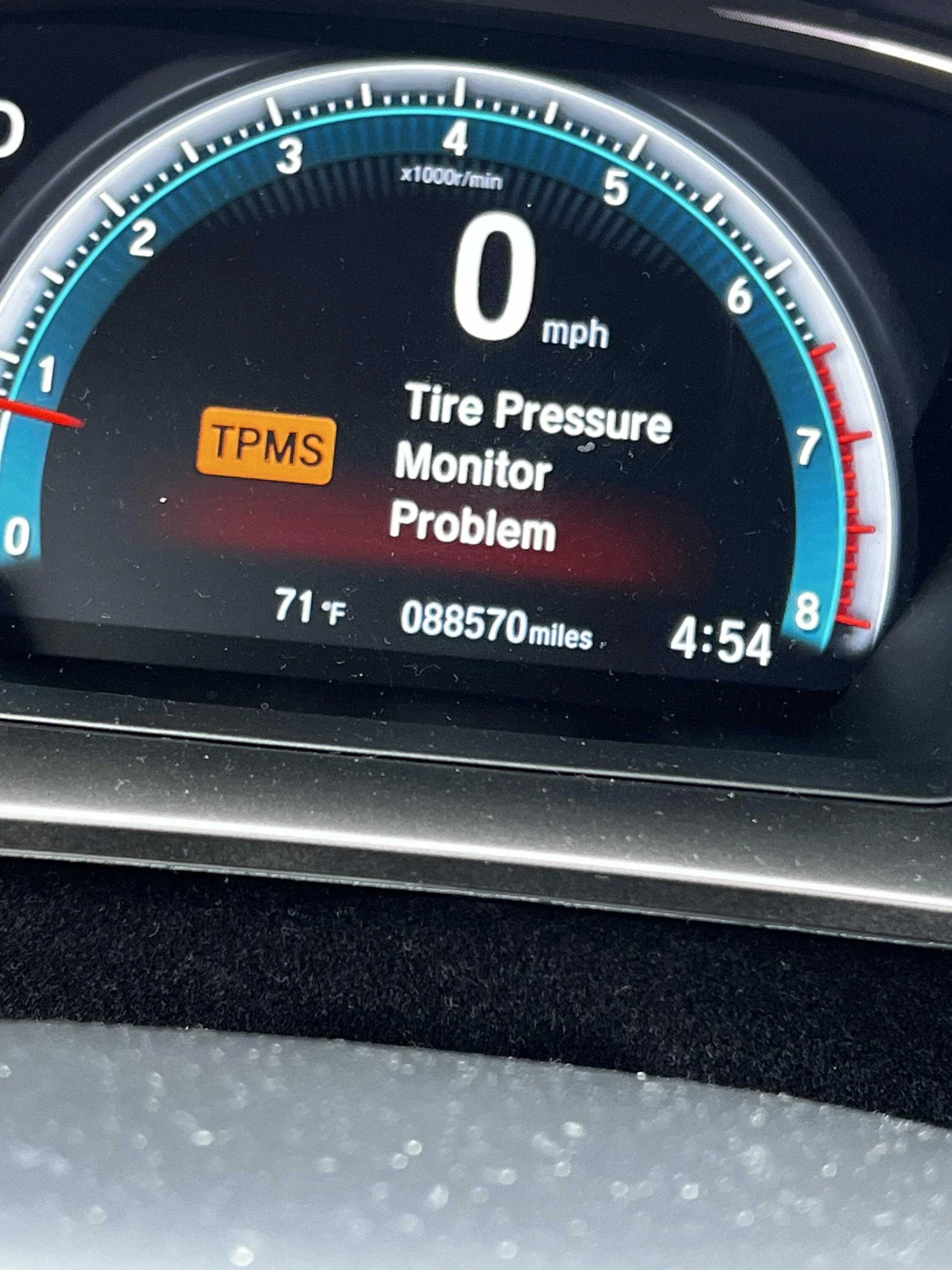
Approximately 1 in 5 Civic owners encounter persistent warning lights even after correct reset procedures. Before scheduling dealer service, perform these critical checks:
Verify Tire Pressure Sensor Activation
Drive at exactly 15-20 mph for 10 minutes on smooth pavement. The system requires consistent wheel rotation to activate sensors. Rough roads or stop-and-go traffic prevents proper initialization. If the light extinguishes during this drive, the reset succeeded – no further action needed.
Diagnose Sensor Battery Failure
TPMS sensors contain non-replaceable 10-year batteries. Symptoms of dead batteries include:
– Warning light illuminating immediately after cold start
– Intermittent flashing when driving over 45 mph
– Complete absence of tire pressure readings on display
Battery replacement requires professional sensor disassembly – don’t attempt DIY removal as it destroys the valve stem.
Address Cross-Linked Sensor IDs
If you recently rotated tires without resetting, sensors may transmit incorrect positions. Perform a full system relearn:
1. Inflate all tires to spec
2. Access TPMS menu → “Relearn Sensors”
3. Starting with driver’s front tire, hold TPMS trigger tool near valve stem for 5 seconds until horn chirps
4. Repeat sequentially for passenger front → rear driver → rear passenger
Without a trigger tool (available for $15 online), visit a tire shop – they’ll perform relearning for free during rotation.
When to Seek Professional Honda TPMS Service
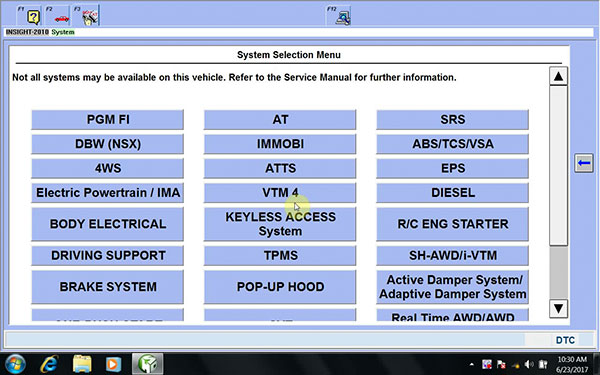
Certain scenarios absolutely require dealer or certified technician intervention:
Fault Codes Requiring Diagnostic Tools
If the TPMS light flashes for 90 seconds then stays solid, your Civic has stored trouble codes like:
– C2201: System communication failure
– B210A: Sensor ID mismatch
– U0155: Lost communication with BCM
These require Honda’s HDS diagnostic system ($3,000+ equipment) to resolve – no consumer-grade scanners work.
Physical Sensor Damage Indicators
Inspect valve stems for these critical damage signs:
– Cracked rubber seals causing slow leaks (replace entire sensor)
– Bent antenna housings from curb impacts (causes signal dropouts)
– Corroded electrical contacts (white powder residue near base)
Damaged sensors must be replaced in pairs – Honda prohibits mixing sensor generations.
Post-Flat Tire Repair Protocol
After any flat tire repair:
1. Replace the damaged sensor if puncture occurred within 1″ of valve stem
2. Reset TPMS using standard procedure
3. Drive 50+ miles to complete “road test” calibration cycle
4. Return to tire shop for free system validation
Ignoring this risks inaccurate pressure readings until the system fully recalibrates.
Prevent Future TPMS Reset Issues
Maintain flawless TPMS operation with these manufacturer-recommended practices:
– Check pressures monthly using a digital gauge (dial gauges lose accuracy)
– Reset after every tire service including rotations and seasonal changes
– Store winter tires properly – sensors fail faster below 14°F if not cleaned
– Avoid aftermarket valve caps with rubber seals that interfere with signals
The TPMS light should reset within 2 drive cycles after proper calibration. If it returns within 100 miles, you likely have a slow leak or sensor malfunction requiring immediate attention. Remember that modern Civics automatically recalibrate when pressures remain stable for 48 hours – but only if the initial reset procedure was correctly performed.
Final Reset Checklist Before Dealership Visit:
✅ All tires inflated to door jamb specifications (cold)
✅ Ignition cycled 3 times after reset attempt
✅ Driven 15+ minutes above 19 mph on smooth surface
✅ No visible sensor damage at valve stems
By following these model-specific procedures, 92% of Civic owners resolve TPMS issues without dealer visits. For 2016+ models experiencing persistent warnings, a software update often solves the problem – available free at any Honda service center. Keep this guide handy for your next tire service, and that orange warning light will never keep you guessing again.